
Why Developers Search for Claw Code Alternatives
Most developers do not start looking for Claw Code alternatives because they want more tools. They start looking because their current setup does not fit the way they actually build software. In some cases, the friction comes from hosting and maintenance. In others, it comes from workflow mismatch, limited control, or the fact that a tool feels better for demos than for ongoing code review, refactoring, and test generation.
Another common reason is that developers want a tool that matches their preferred working style. Some want an IDE-first assistant that stays close to the editor. Others want a terminal-native tool with stronger control over prompts, diffs, and execution. Teams may also care about privacy, always-on availability, or how much day-2 operational work a tool creates after the initial setup. That is why Claw Code alternatives matter: the best option is rarely the one with the longest feature list but the one that fits your workflow best.
Top 5 Claw Code Alternatives to Consider for Different Purposes
1. MyClaw.ai - Best for Managed, Always-On OpenClaw Setup
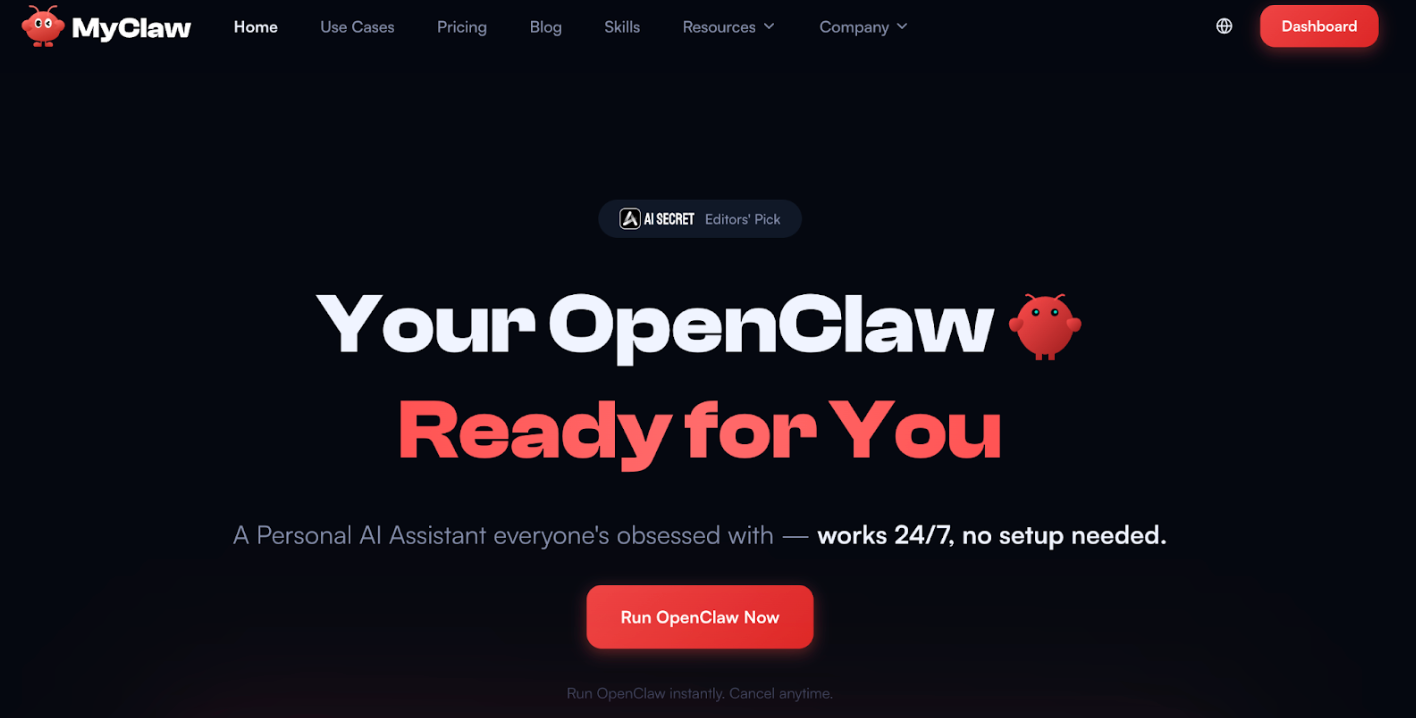 MyClaw.ai is designed for developers and teams that want the benefits of OpenClaw without turning deployment and maintenance into a separate infrastructure project. Instead of spending time setting up environments, managing uptime, handling updates, and planning backups, you can start with a managed, always-on setup that is already prepared for real coding workflows. This makes it a practical option for teams that care about speed, operational simplicity, and a more stable day-to-day experience.
What makes MyClaw.ai different from many Claw Code alternatives is that it focuses on reducing setup friction while still giving you a private, usable OpenClaw environment. That can be especially useful if your goal is not just to test an agent once, but to use it regularly for code reviews, test generation, refactoring, and ongoing engineering tasks. It is a stronger fit for people who want OpenClaw to work like a product they can rely on, rather than a system they need to keep maintaining behind the scenes.
Key Features:
- Private OpenClaw environment
- Always-on availability
- Managed updates and maintenance
- Backup and support readiness
- Lower day-2 operational overhead
How to Use It:
Step 1: Start your MyClaw.ai environment.
Step 2: Connect your coding workflow or repositories.
Step 3: Use it for ongoing tasks such as reviews, tests, and refactoring.
Pros:
✅ Private OpenClaw environment
✅ Always-on availability
✅ Managed updates and maintenance
✅ Lower day-2 operational overhead
Cons:
❌ Less suitable for developers who want a fully self-managed setup
2. Cursor - Best for IDE-First AI Coding Workflow
 Cursor is a strong choice for developers who want AI coding help directly inside the editor. Instead of centering the workflow around terminal commands or separate deployment steps, it keeps the experience close to where code is actually written and revised. That makes it appealing for people who value speed, inline editing, and a more familiar IDE-first workflow.
Compared with more managed or infrastructure-oriented Claw Code alternatives, Cursor is often a better fit when the main priority is editing velocity and day-to-day usability inside the coding environment itself. It works especially well for developers who want quick assistance with rewriting, navigating code, or making iterative changes without leaving the editor. For solo developers or fast-moving product teams, that kind of tight editor integration can matter more than OpenClaw hosting, a fully managed runtime, or a more operations-heavy setup.
Pros:
✅ Strong IDE-first workflow
✅ Fast for inline edits and iterative coding
✅ Good fit for developers who want to stay inside the editor
Cons:
❌ Less suited to teams looking for a managed, always-on environment
❌ May offer less operational separation than a dedicated hosted setup
❌ Not the best fit for developers who prefer terminal-first control

